

Everything the free plugin does
BooleanSMTP is complete without Pro: every feature on this page is in the free plugin, with no limit on connections.
Sending
- Native connections
- Gmail / Google Workspace, Microsoft 365 / Outlook, and Amazon SES. Gmail, Microsoft 365, and Amazon SES send over their HTTP API, with no SMTP port to open; Gmail and Microsoft 365 sign in with OAuth, using your own app.
- Any SMTP server
- Custom SMTP connects to any provider or host that gives you SMTP details, with the encryption and port it needs.
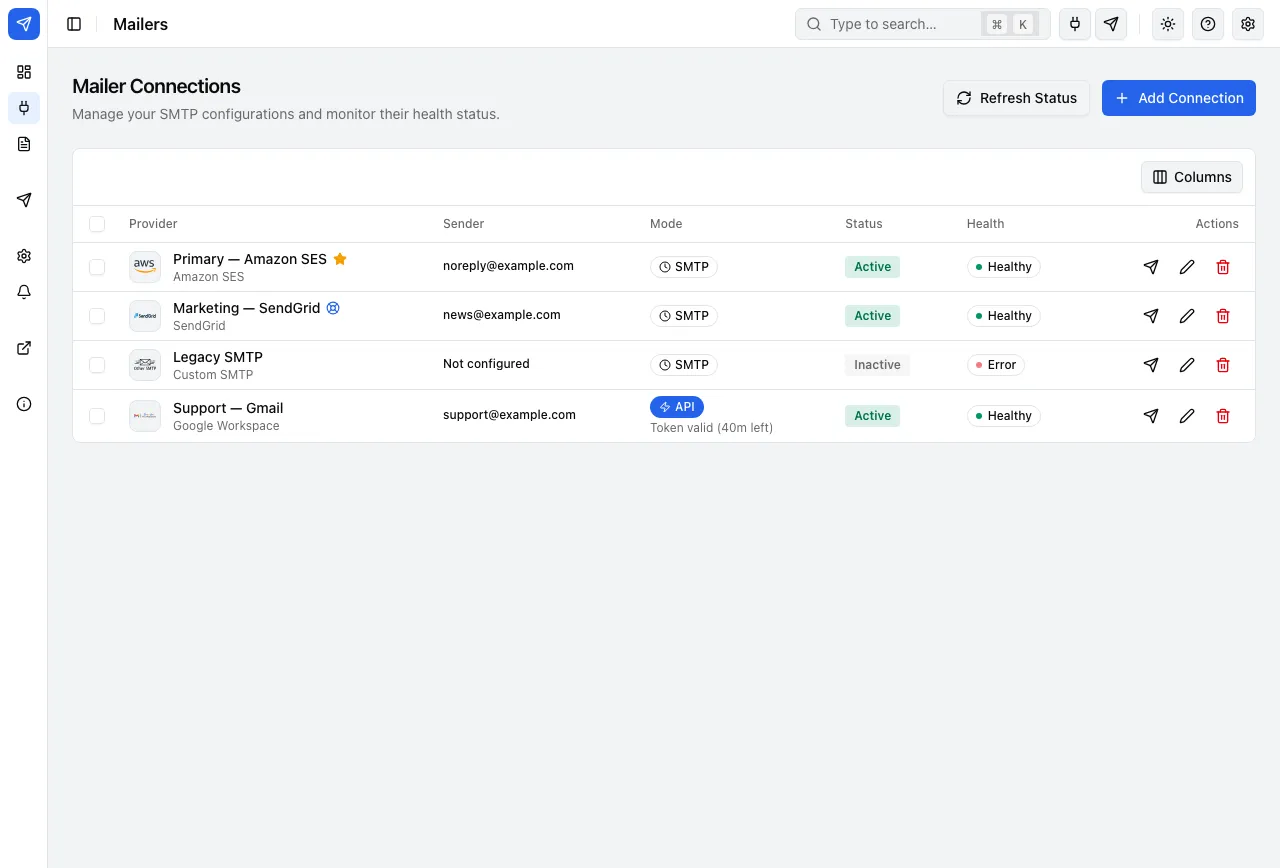
- Several connections at once
- A primary connection, a fallback, and more. Each From address belongs to one connection, so every message leaves through the connection that owns its sender.
- Simulation mode
- On a staging copy, record every email in the log instead of sending it.
Logging and reliability
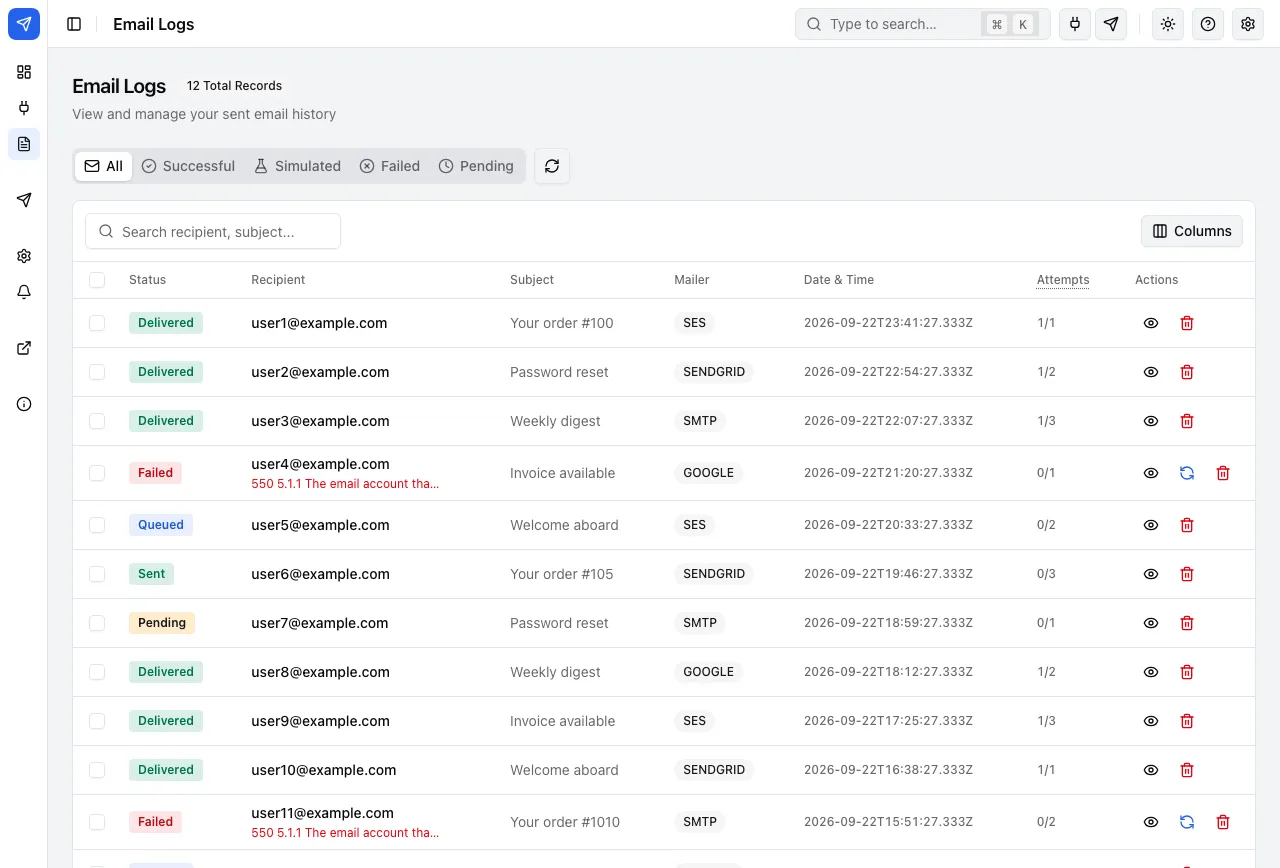
- Every email logged
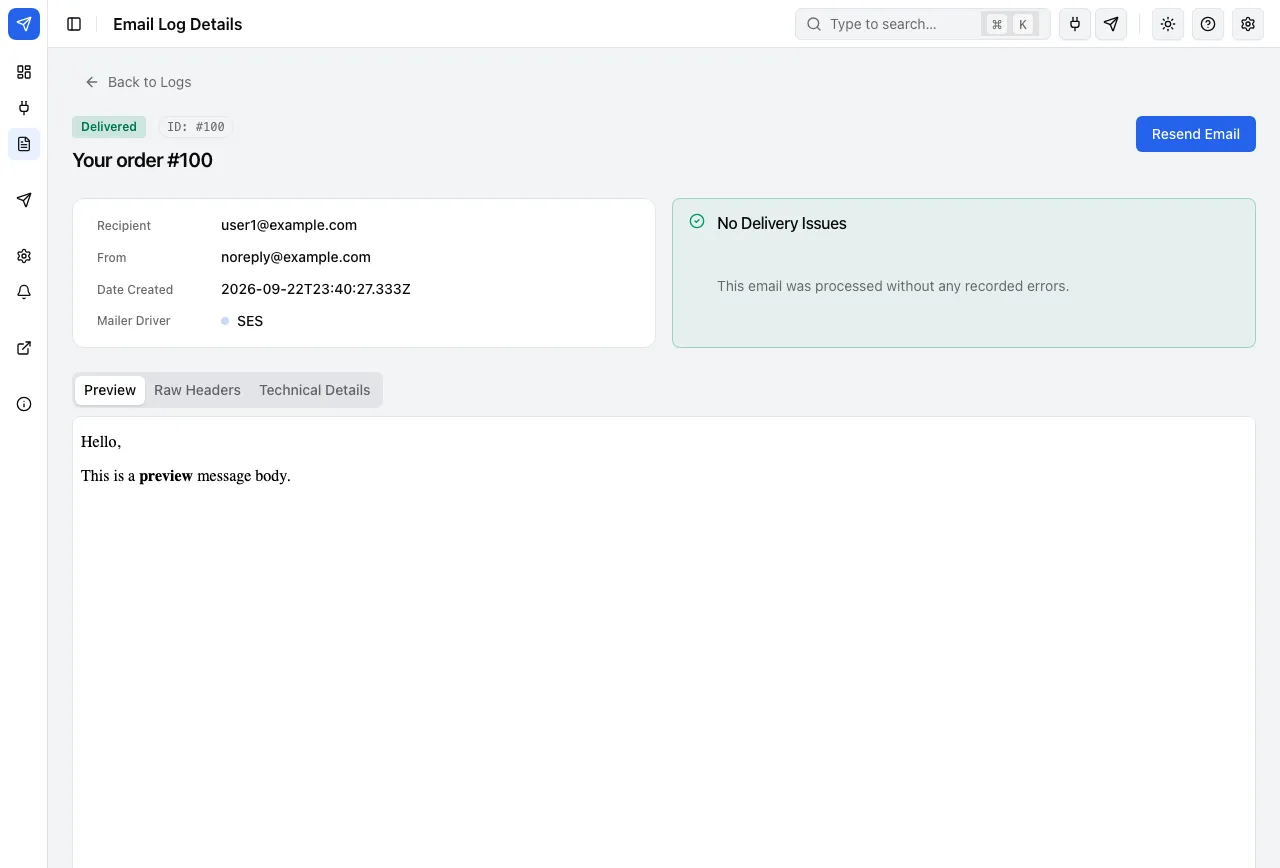
- Recipient, subject, status, provider, the provider’s error and the delivery time. Search, filter, preview and resend from the log.
- Retention you control
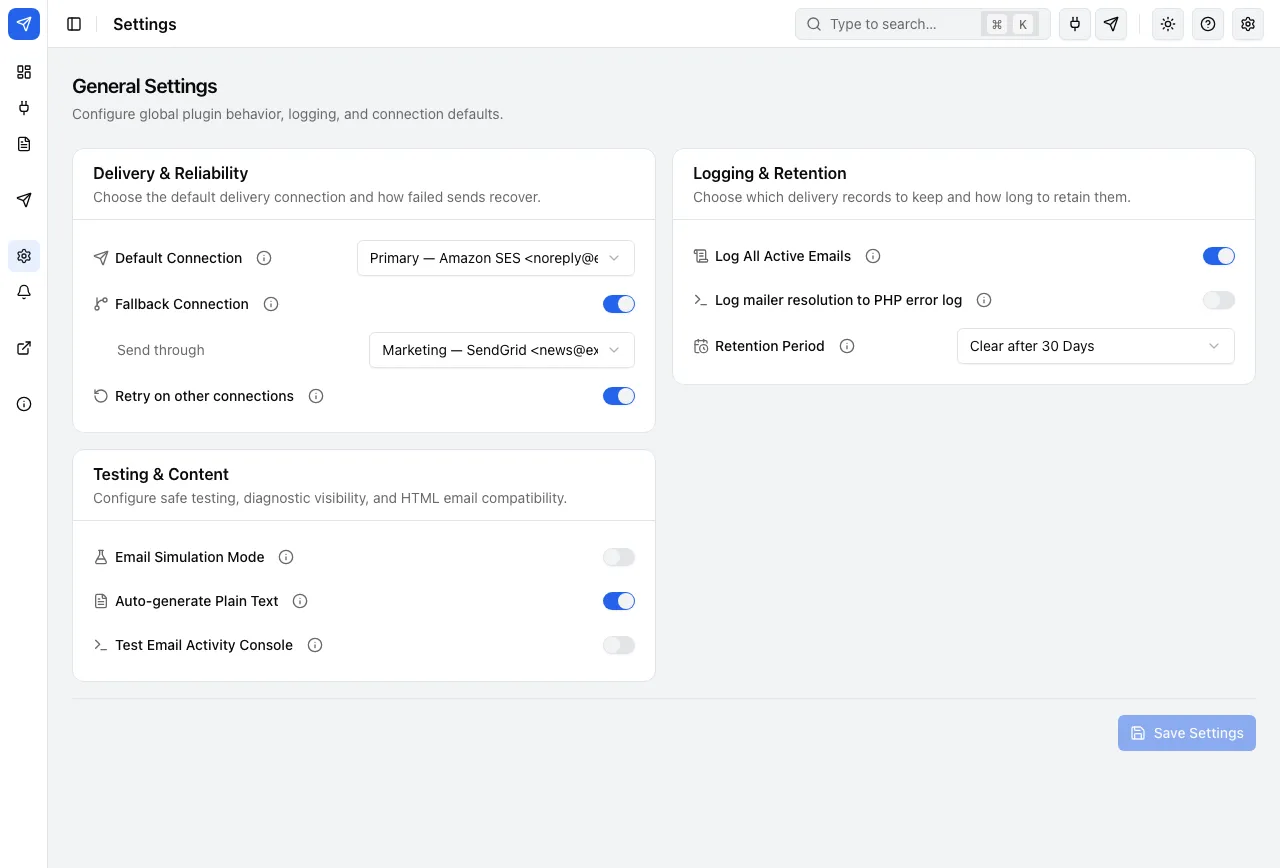
- Logs are kept 30 days by default; choose your own period.
- Retries on your other connections
- When a send fails: one immediate retry on the fallback, then the retry queue. The exact path is below.
- Test email and health checks
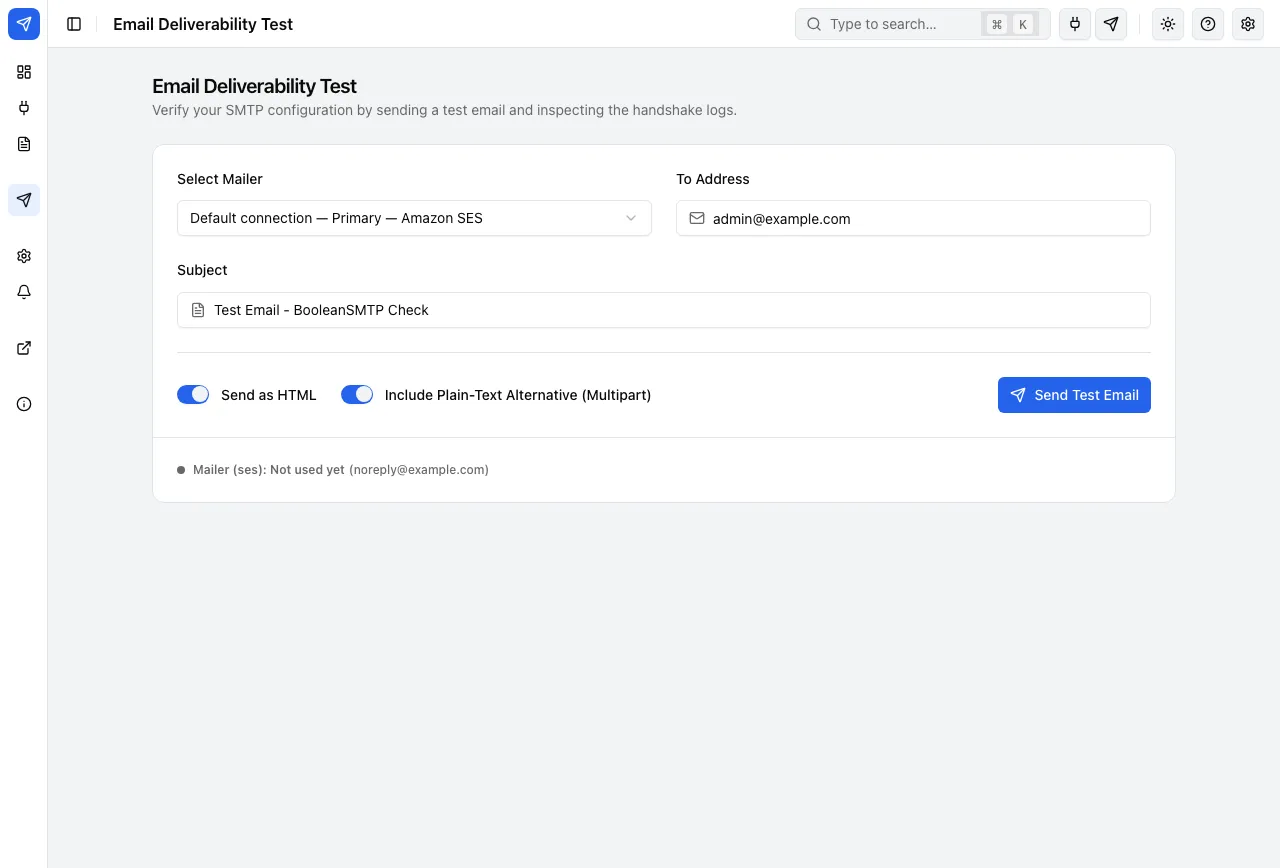
- Send a test through any connection and read the full result; every connection shows its health.
Alerts
- Slack, Discord, or Telegram
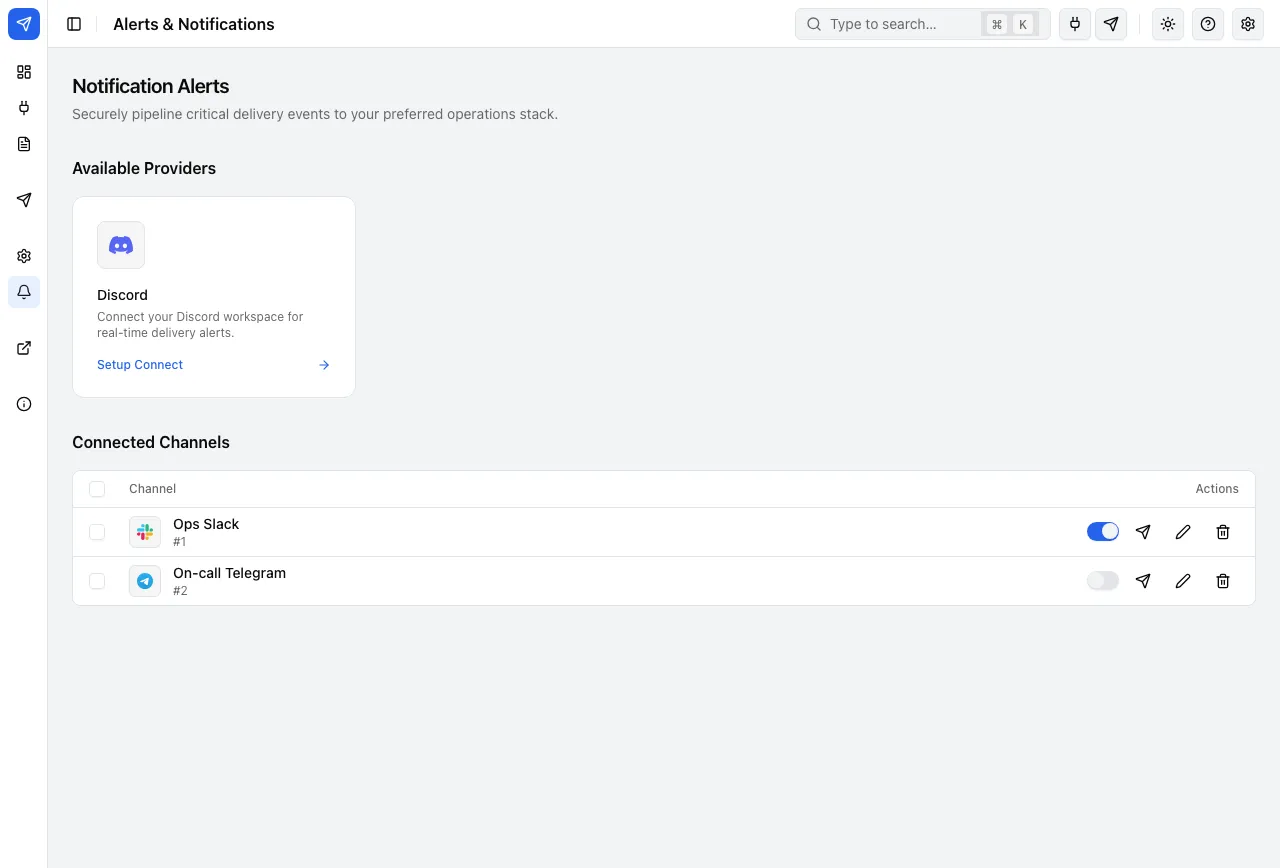
- A notice when a message finally fails to send, or when a connection fails its health check or can no longer refresh its sign-in. Never the connection’s credentials.

Switching
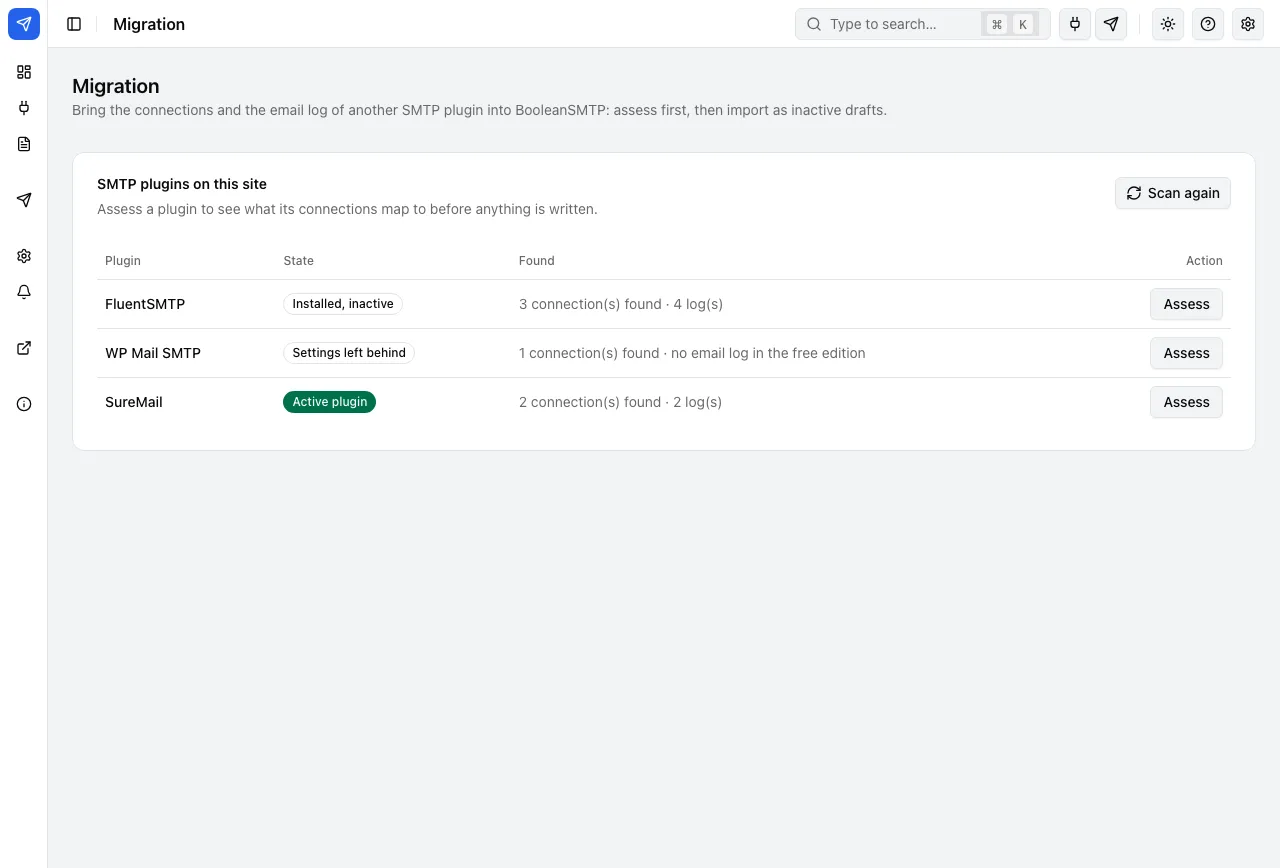
- Import from 6 SMTP plugins
- FluentSMTP, WP Mail SMTP, Post SMTP, Easy WP SMTP, SureMail, and GoSMTP: connections and email logs, assessed first and imported as inactive drafts.
# Assess first: nothing is written
$ wp boolean-smtp import wp-mail-smtp --dry-run

# Then import connections and the email log, as drafts
$ wp boolean-smtp import wp-mail-smtp --logs
For developers and site operators
- WP-CLI
- wp boolean-smtp test-email, connections:list, logs:export, queue:work, import, migrate and hooks:list.
- REST API and hooks
- A documented REST API (booleansmtp/v1) behind the manage_options capability, and public hooks under the boolean_smtp_ prefix.
- A background queue
- Route chosen messages, a newsletter for example, into a queue that runs from WP-Cron or wp boolean-smtp queue:work.
- Encrypted credentials
- AES-256-CBC with HMAC-SHA-256, keyed to your site, or to BOOLEAN_SMTP_ENCRYPTION_KEY in wp-config.php.
// Keep Amazon SES keys out of the database
define( 'BOOLEANSMTP_AWS_ACCESS_KEY_ID', 'AKIA…' );
define( 'BOOLEANSMTP_AWS_SECRET_ACCESS_KEY', '…' );
define( 'BOOLEANSMTP_AWS_REGION', 'us-east-1' );

// Your own key for encrypting stored credentials
define( 'BOOLEAN_SMTP_ENCRYPTION_KEY', '…' );

// Keep settings and logs if the plugin is ever deleted
define( 'BOOLEAN_SMTP_PRESERVE_DATA', true );
$ wp boolean-smtp connections:list --format=count
4
$ wp boolean-smtp test-email you@example.com --html
$ wp boolean-smtp logs:export --days=7 --status=failed
$ wp boolean-smtp queue:work --limit=50 --retry
$ wp boolean-smtp import fluent-smtp --dry-run
$ wp boolean-smtp hooks:list --type=action// Fires after a send attempt fails, before the fallback is tried
add_action( 'boolean_smtp_email_failed', function ( array $payload ) {
my_team_pager( $payload );
} );
// Keep email logs for 90 days instead of 30
add_filter( 'boolean_smtp_log_retention_days', fn() => 90 );
// Register a transport of your own
add_filter( 'boolean_smtp_transports', function ( array $transports ) {
$transports['custom'] = MyTransport::class;
return $transports;
} );What happens on failure
Right away
Sent on its connection
The message goes out on the connection chosen for it.
If it is refused
One immediate retry on the fallback connection
No waiting: your fallback connection gets it straight away.
After about 1 minute
A retry on your other connections
Retry on other connections is on by default and uses your other active connections.
After about 5 minutes
Another retry
Up to two more attempts, after about 1 and 5 minutes, by default.
Only if all of that fails
Logged as Failed, and you are alerted
A message to Slack, Discord, or Telegram links to the log entry, which holds the provider’s error. Resend it from there once it’s fixed.
The screens
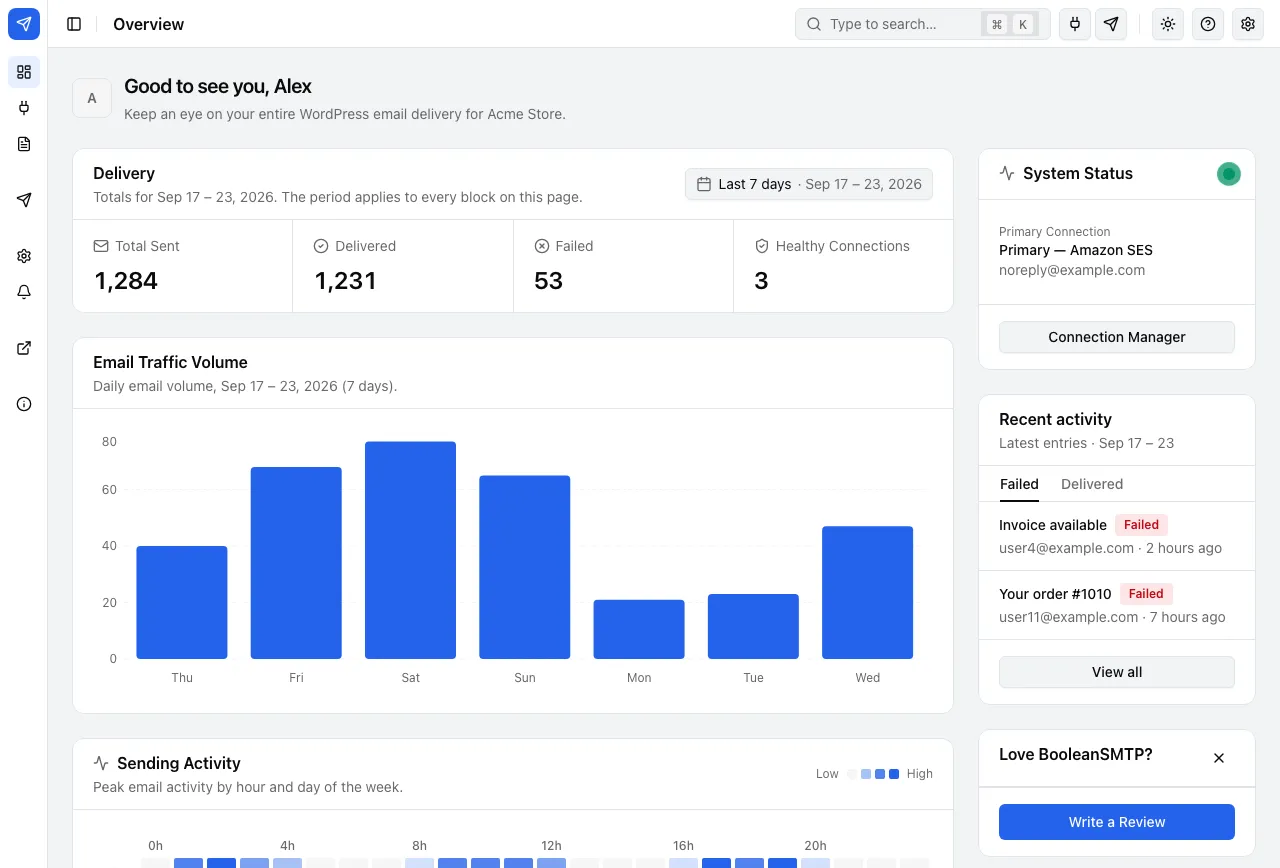
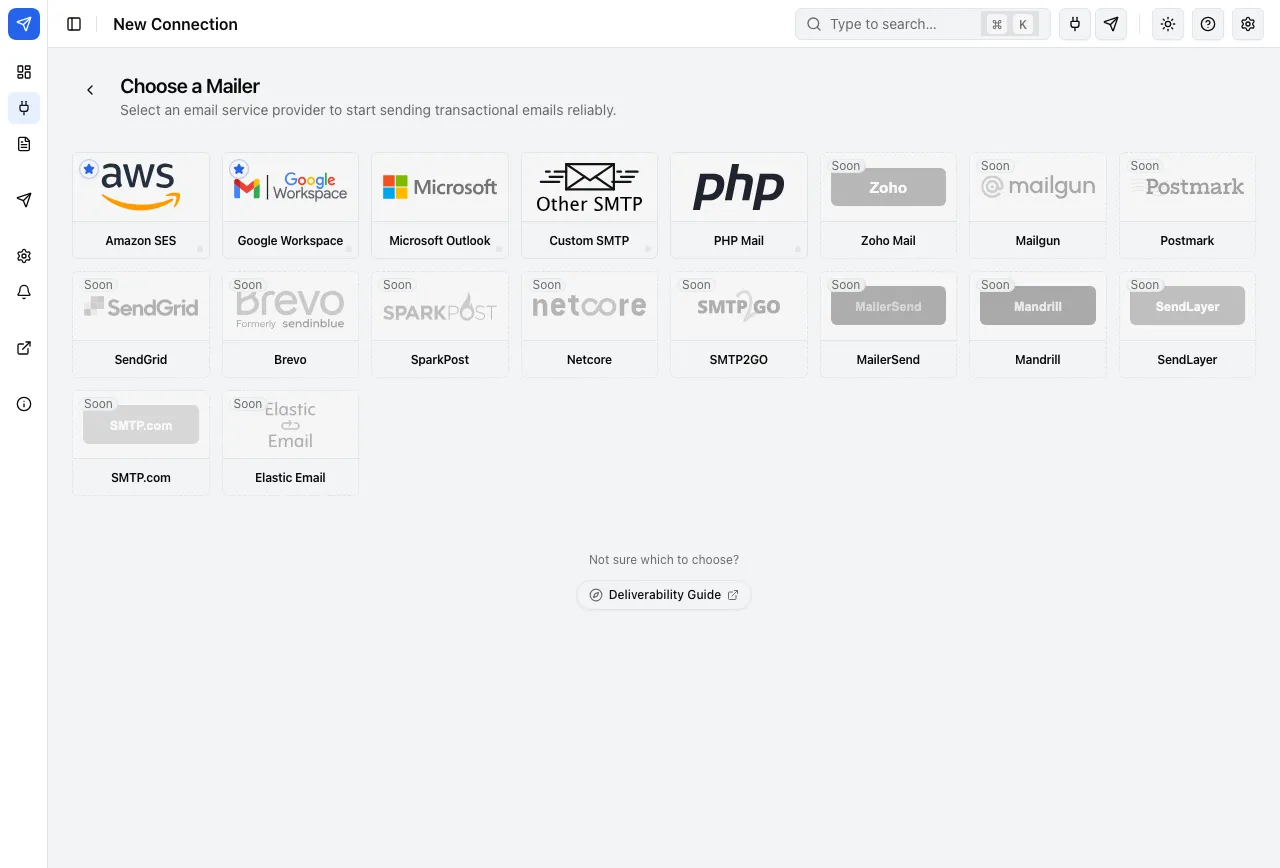
The plugin’s own admin, as listed on WordPress.org.
Which mailer fits you?
Four questions, and the setups that suit your site rise to the top. Each links to its setup guide in the documentation.
Where does your business email live?
What does your site send?
Do you already have an Amazon Web Services account?
How would you rather connect?
Google Workspace
API (sign in with Google) or SMTP
Setup guide: Google WorkspaceMicrosoft Outlook
Microsoft Graph API (sign in with Microsoft)
Setup guide: Microsoft OutlookAmazon SES
API or SMTP
Setup guide: Amazon SESCustom SMTP
SMTP
Setup guide: Custom SMTPPHP Mail
WordPress default mail
Setup guide: PHP Mail
BOOLEANSMTP PRO
Coming soonMore control for every stage of delivery.
A look at what’s coming: smarter ways to choose a provider, handle delivery problems and understand the results.
Same sender, multiple providers
Use one From address across connections on different providers.
Grouped rotation
Choose failover, weighted balance or daily-cap overflow for each sender group.
Routing rules
Choose how different kinds of mail move through your connections.
Bounce handling
Bring provider bounce and complaint events into each email’s history.
Suppression engine
Manage addresses flagged by bounces and complaints.
Delivery analytics
See sending volume, outcomes and trends together.
One-click OAuth setup
Make supported provider sign-ins quicker to configure.
Sending-domain DNS check
Review SPF, DKIM and DMARC for your sending domain.