

A message that fails to send can get an immediate fallback attempt and up to two queued retries when those options are available and enabled.
-
Fallback Connection. If you’ve set an active one (Settings → Delivery & Reliability), BooleanSMTP retries the message immediately, in the same request, through that connection.
-
Retry on other connections. If that attempt also fails — or you have no Fallback Connection — and this setting is on (it is by default), a logged failed message can be queued for other active connections: once after about a minute, then once more about five minutes later, up to 2 retries.
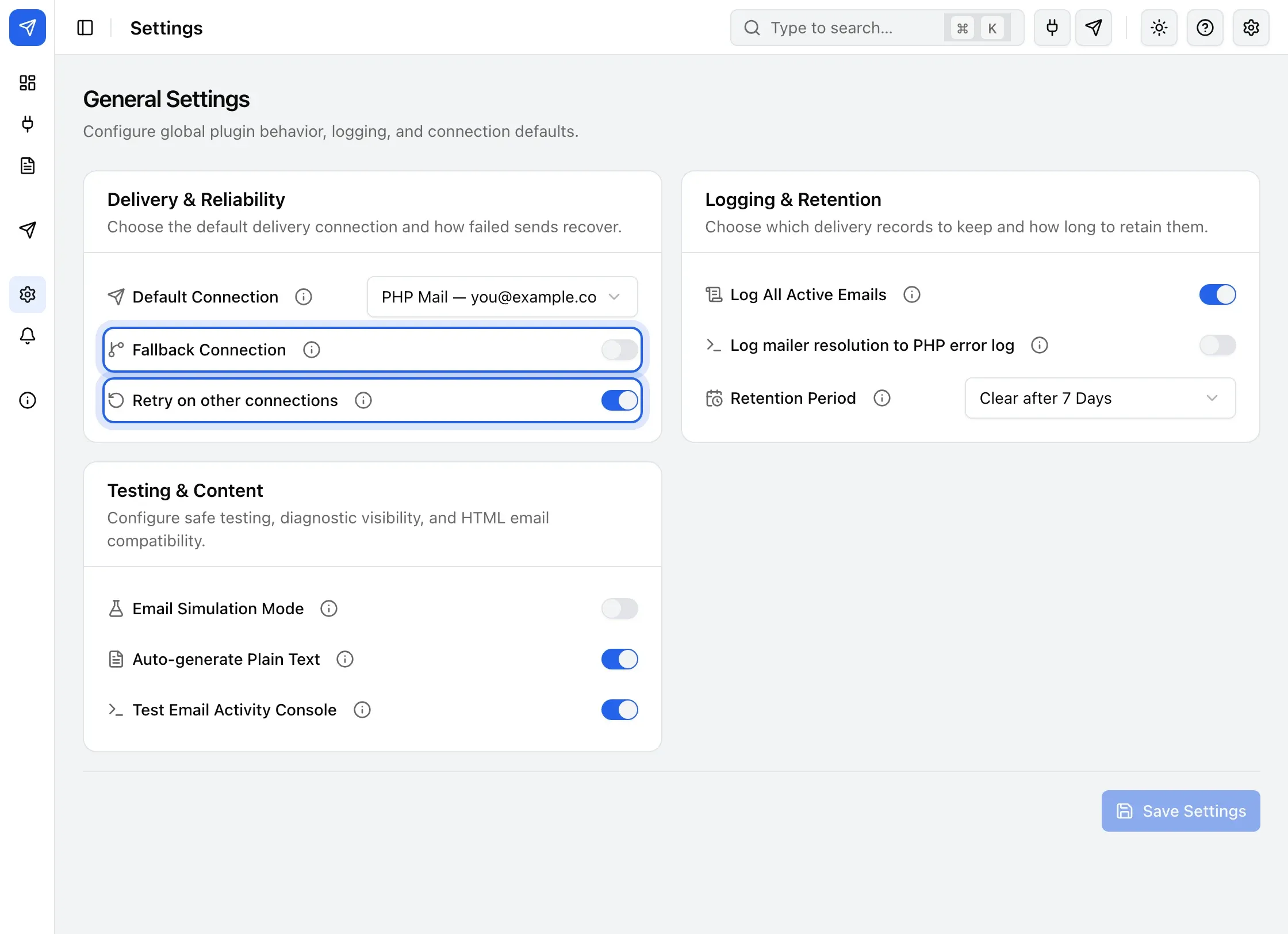
Fallback and retry settings -
Alerts. If nothing is left to try, the send fails for good and your alert channels fire, if you’ve set any up.
If email logging is enabled, open the message in Email Logs and look at its attempts to see each retry and what happened.