

BooleanSMTP checks four things, in order, until one of them names a connection to send through.
-
A connection the sending code asked for. Some sends name a connection directly. For example, a resend from Email Logs reuses the connection that sent the original message. BooleanSMTP uses that connection without any further check.
-
The connection that owns the From address. Every connection can have its own From address (see One connection per sender); if the message’s From address belongs to one, that connection sends it.
-
Your Default Connection. Set Default Connection, under Settings → Delivery & Reliability, to choose which connection handles everything else. If you leave it on System Default (PHP Mail), BooleanSMTP uses your primary connection instead. That is your most recently created active connection, if you have one.
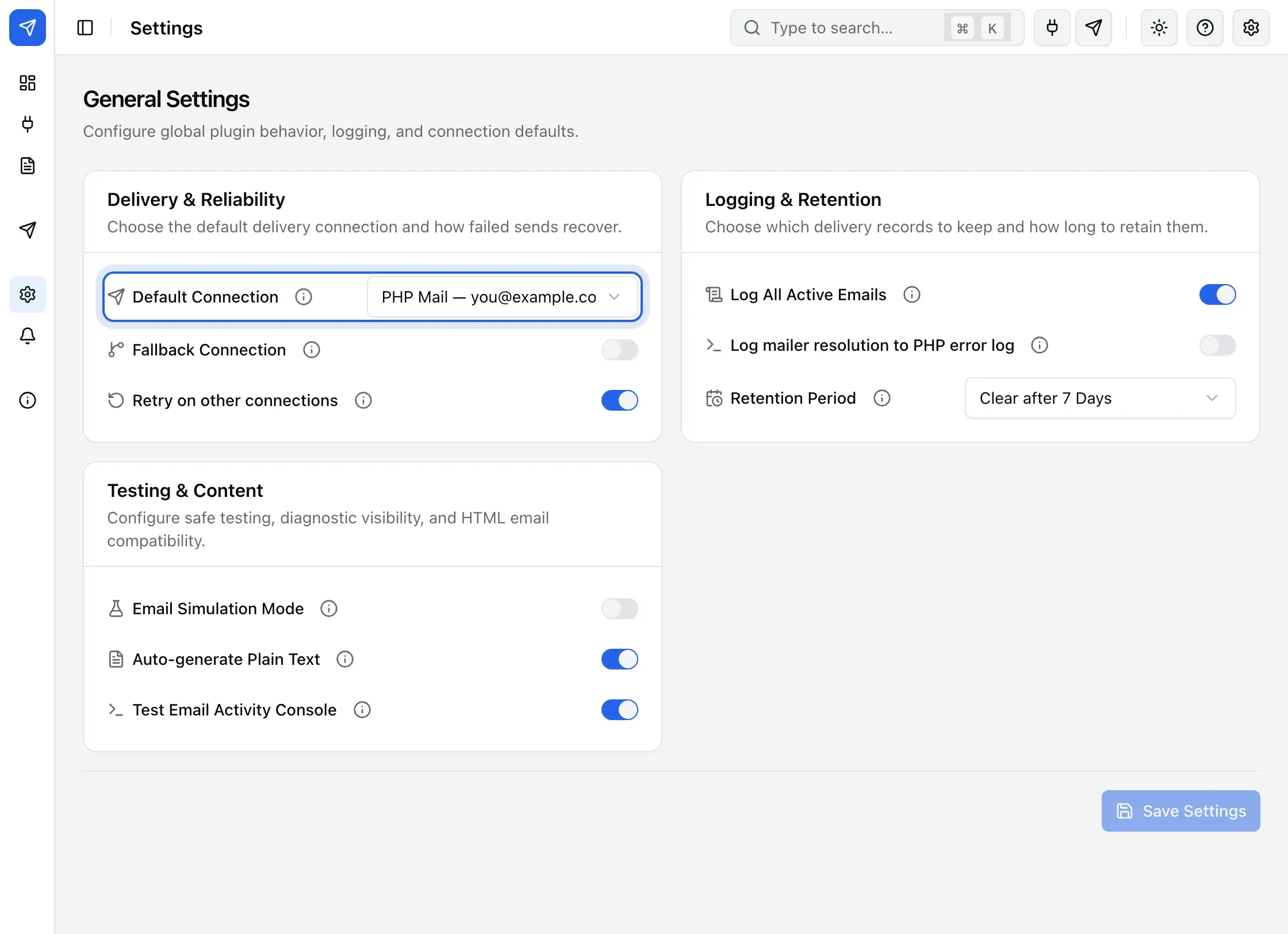
Default Connection setting -
PHP mail, WordPress’s own way of sending mail, is used when none of the above found a connection.
Next steps
- The journey of an email to step through this order with an interactive diagram.
- One site, many senders to configure several mailers and compare common routes.
- One connection per sender
- Fallback and retries
- Settings References