

BooleanSMTP can import the connections and the email log of FluentSMTP, WP Mail SMTP, Post SMTP, Easy WP SMTP, SureMail and GoSMTP. Imported connections arrive switched off, as drafts, so nothing changes until you turn one on.
During setup
On the wizard’s Start step, choose Import from another SMTP plugin. The wizard looks for those plugins’ settings on your site and shows what it found.
After setup
The same import is on the Migration screen. It has no sidebar item, because most sites use it once. To open
it, press ⌘K (Mac) or Ctrl K (Windows and Linux) anywhere in BooleanSMTP, type Migration and press
Enter — or go to /wp-admin/admin.php?page=boolean-smtp#/tools/migration on your site.
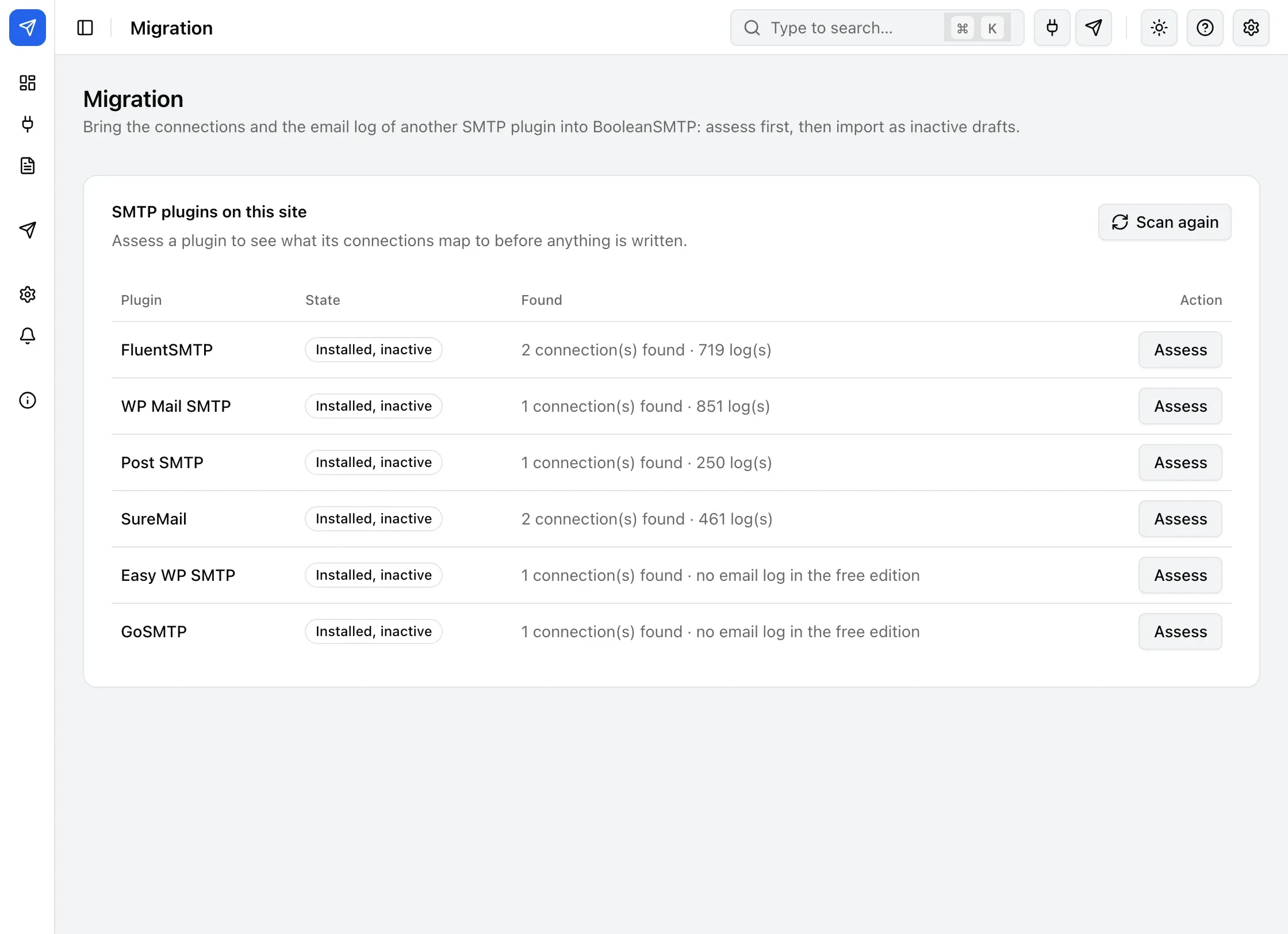
Keep or replace
If an imported connection uses a From address one of your connections already uses, the review asks what to do for each:
- Keep your connection. This is preselected; the imported one is skipped.
- Replace it with the imported settings. Your connection keeps its place — whether it is on, and whether it is the default — and takes the imported provider and credentials. BooleanSMTP tests it straight away. This cannot be undone.
When the other plugin has several connections for one From address, BooleanSMTP imports its default connection and lists the others as Not imported.
Importing again
BooleanSMTP remembers each import. On the Migration screen, a plugin you already imported says when, and each of its connections shows what happened to it: Imported, Replaced, Kept yours or Not imported. Importing the same plugin again asks first (Import again…) and updates the drafts from the first import instead of adding copies.
Next steps
- Set up with the wizard if you’d rather start a new connection than import one.
- Mailers to turn an imported draft into your active connection.
- Logs to see any email log rows the import brought over.